
Quickstart
When your Cyferio Dedicated instance is provisioned, you get an isolated VM with two layers already installed and running:
- The CLI toolkit (
openvpn-install.sh+vpn-status.py) – installs and manages OpenVPN itself: adding/revoking clients, MAC-address binding, live status. - The web admin – a FastAPI frontend over that same CLI toolkit for everyday use: RBAC, restrictions dashboard, reporting, a self-service portal for end users.
Nothing below is a “how to install this” step – your instance is already running by the time you have login credentials. This page is about using it for the first time.
Log in to the web admin
Section titled “Log in to the web admin”-
Follow the link and credentials from your provisioning email, or your instance’s URL from the Dedicated dashboard.
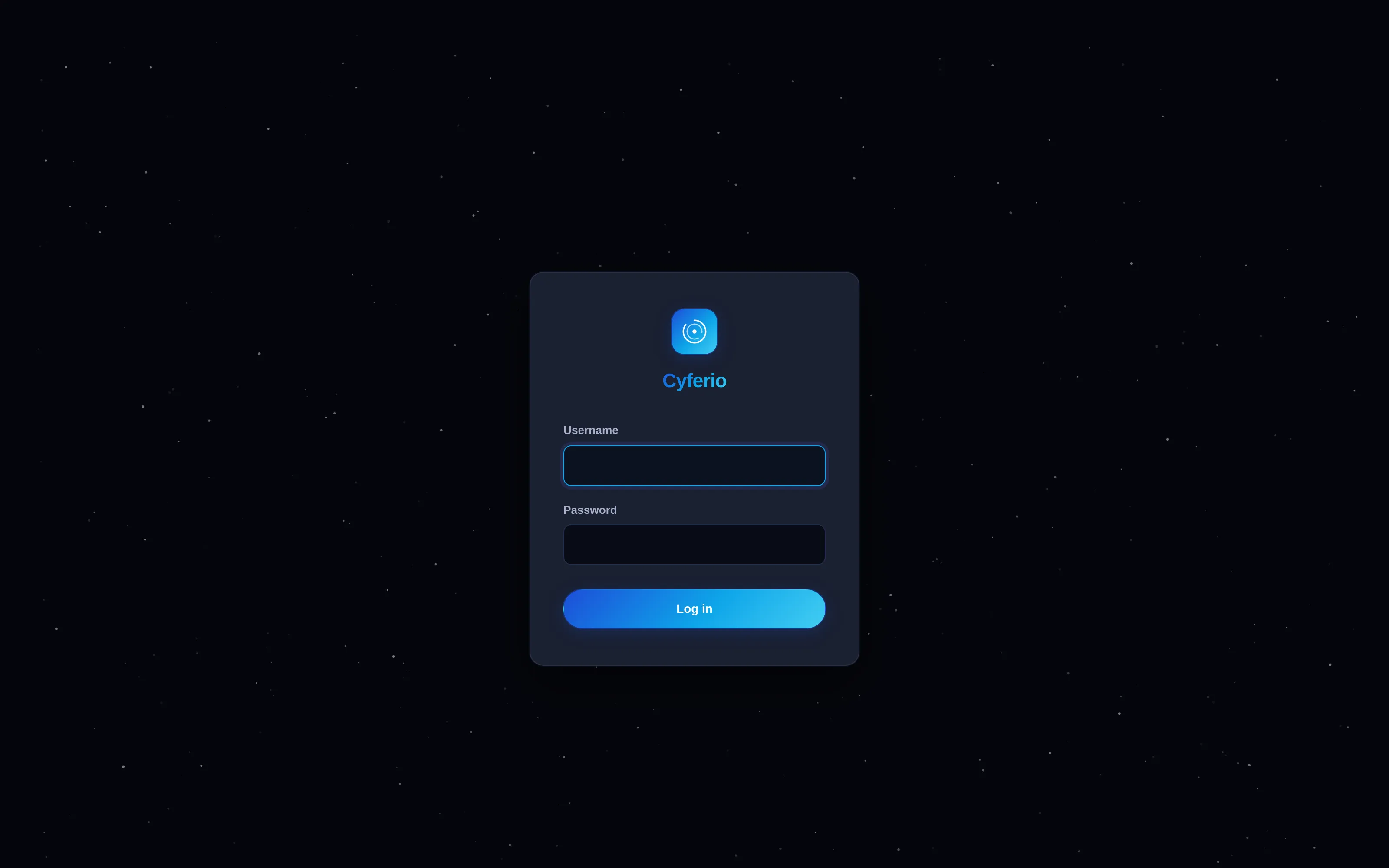
-
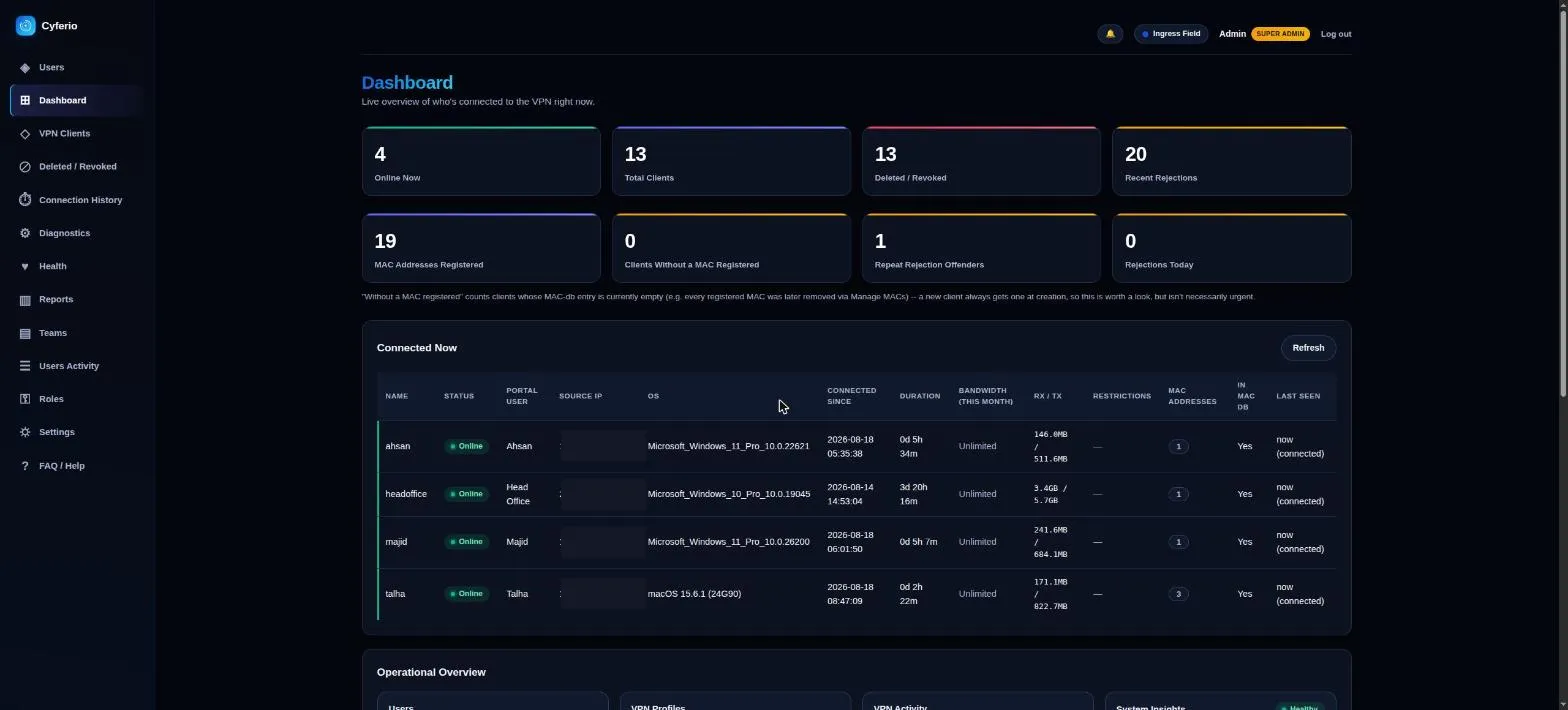
An account that can manage users lands on the Users page – an admin’s most frequent destination. The Dashboard (a live overview of who’s connected, client counts, MAC registrations, and rejected-connection alerts) stays one click away in the sidebar, and is still where an account without user-management access lands instead.
Manage clients from the CLI (optional)
Section titled “Manage clients from the CLI (optional)”If you have SSH access to your instance – Dedicated gives you full admin
control over your own VM – openvpn-install.sh also drops into a
management menu directly:
1) Add a new client2) List existing clients3) List revoked clients4) List MAC addresses for a client5) Add a MAC address for an existing client6) Remove a MAC address from an existing client7) Revoke an existing client8) Remove OpenVPN9) Show/print a client's .ovpn config10) Permanently delete a revoked client's leftover files11) Restore (reissue a new cert for) a revoked client12) ExitAdding a client from here prompts for a name and the device’s MAC address
(any common format works – aa:bb:cc:dd:ee:ff, AA-BB-CC-DD-EE-FF,
aabbccddeeff, mixed case – all normalized automatically).
Check status any time with vpn-status.py – see the
CLI Reference for the full flag list, JSON output, and
shell completion.
Next steps
Section titled “Next steps”- CLI Reference – every flag, JSON output, shell completion
- Device & Access Restrictions – country/city/ASN/IP/OS/bandwidth limits per client
- Roles & Permissions – RBAC and the self-service portal
- Deployment & Configuration – TLS, Postgres, and how releases are versioned
- Sizing & Infrastructure – what your plan’s CPU/RAM/storage actually gets you
Developed by Cloudlative